
Payroll, Minus the Headache
Salaries, deductions and payslips — all in one place, all in a few clicks.

What is Payroll Management?
Payroll Management is the process of managing employee salaries, salary components, deductions and monthly payroll in one place. It helps schools maintain employee salary details and simplify monthly salary processing.
The challenge: payroll on paper

Doing payroll by hand eats hours every month. Spreadsheets drift, deductions get missed, and nobody is quite sure which salaries were paid and which are still pending.
The fix: lil Triangle Payroll
lil Triangle takes you from salary setup to payday in one organised flow. With it, your school can:
- Set up a salary structure for every employee
- Define salary components your way
- Manage earnings, deductions and other payroll categories
- Process the monthly payroll
- Generate payslips
- Track payroll and payment status
- Download payroll reports
How it works in 4 steps
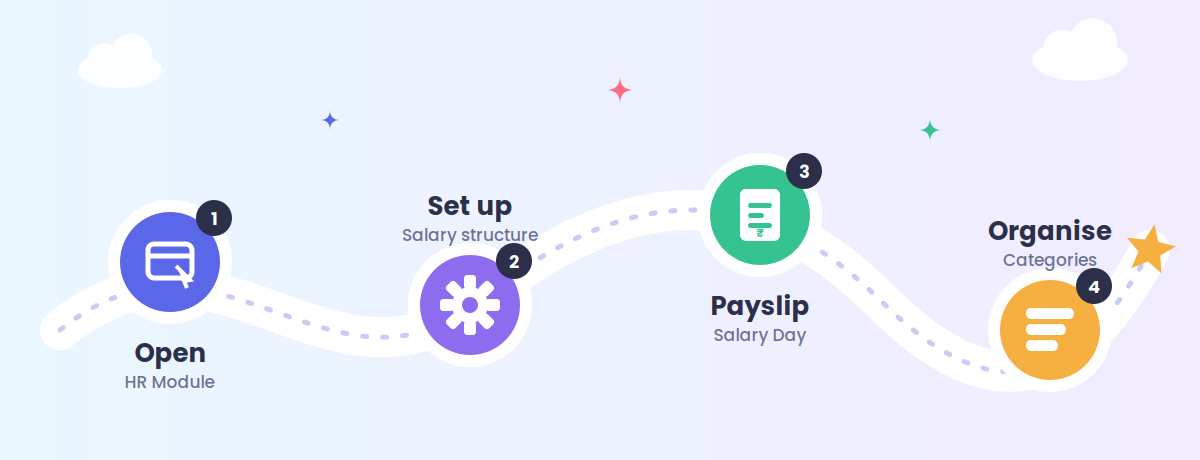
1. Open Payroll Management
Go to HR Module → Payroll Management. The dashboard gives you three quick-access tiles:
- Payroll Setup — configure each employee's salary structure
- Salary Day — process the monthly payroll
- Payroll Categories — create and manage salary components
2. Set up employee payroll
- Configure the employee’s salary by entering the salary details and categorizing the components as Earnings or Deductions.
- Set up the salary breakdown by defining each salary component and its corresponding amount to complete the employee’s payroll setup.
3. Run Salary Day
Click Salary Day, pick the month, and review each employee's gross salary, net payable amount, payroll status, payment status and setup status. Once payroll is generated, payslips are ready to view and download.
4. Organise payroll categories
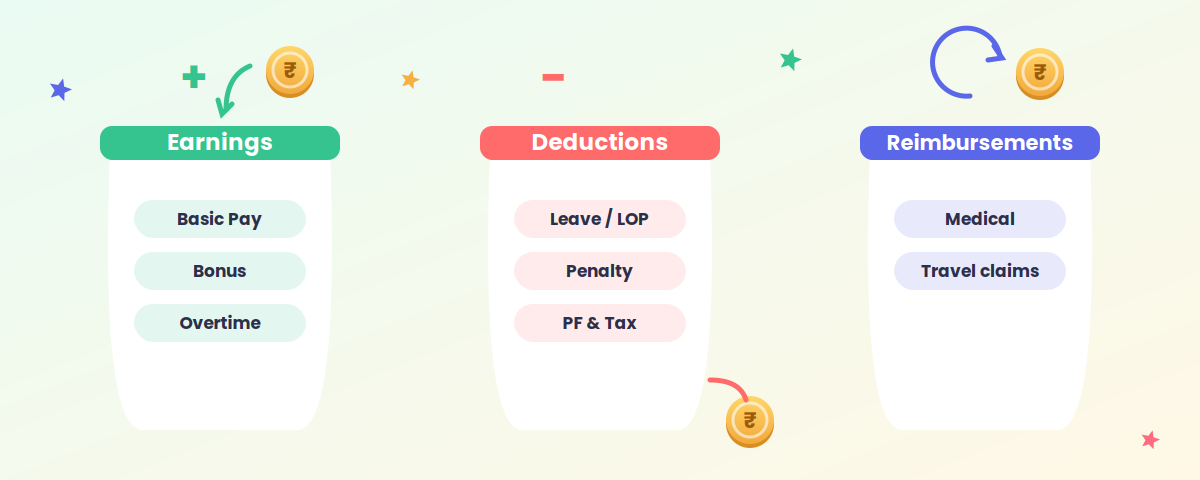
- Manage and organize payslips by categorizing and maintaining payroll records efficiently.
- Download payslips and payroll reports for record-keeping and further reference.
Why schools love it
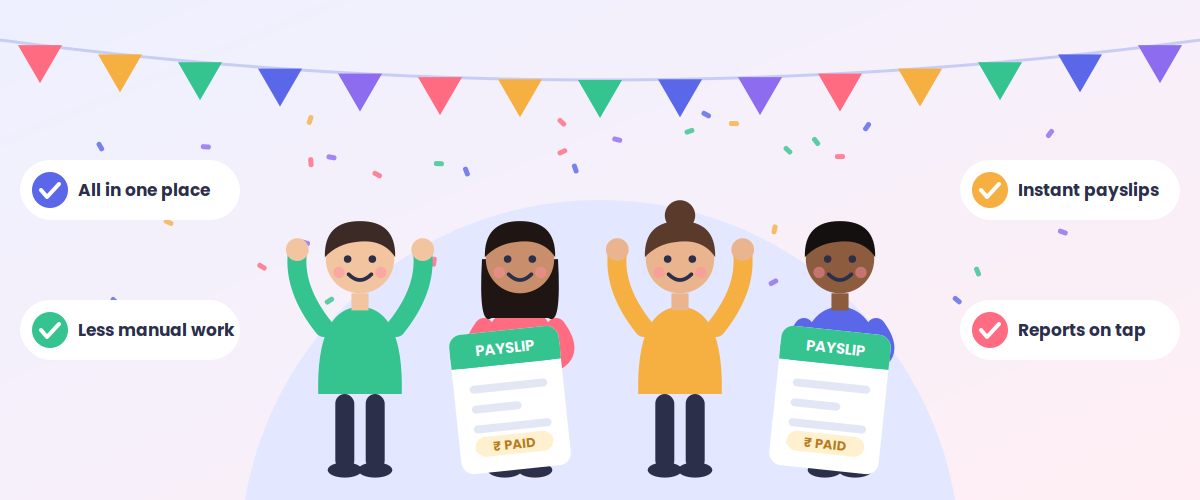
- One home for payroll — every salary managed from a single platform.
- Easy salary setup — a clear salary breakdown for each employee.
- Flexible categories — add any earning, deduction or reimbursement you need.
- Less manual work — a structured monthly run with far fewer hand calculations.
- Better tracking — see setup completion, payroll generation, payment status and net payable at a glance.
- Instant payslips — generate and open payslips right inside the module.
- Reports on tap — download payroll reports for records and reference.
Set it up once, run it every month. With lil Triangle Payroll Management, payday becomes just another calm day at school.